RCS Read Receipts: What They Are and Why They MatterView as Markdown

Learn what RCS read receipts are, how they work, and how EZ Texting helps businesses use engagement data to send smarter, more effective messages.

Illustration of head-to-head logo match - EZ Texting vs. SimpleTexting
Key Takeaways
  • RCS read receipts show when a message has been opened, giving businesses more engagement data than standard SMS delivery reports.
  • Read receipts depend on RCS availability and user settings, so they should be considered alongside clicks, replies, and other campaign metrics.
  • Businesses can use read receipt data to improve follow-up timing, campaign scheduling, and audience segmentation.

What Are RCS Read Receipts?

RCS read receipts are message status indicators that tell you when someone has opened a message. That's a step beyond standard SMS, where a delivery report can tell you the text reached a recipient's device but not if they actually saw it.

With RCS, message status can progress from sent to delivered to read. These updates appear beneath the message in supported messaging apps, so the sender has a clearer view of what happened after hitting send. In Google Messages, for example, the visual indicators change as a message moves through each status.

For RCS read receipts to work, both the sender and recipient must have RCS enabled on compatible devices with carrier support and an active internet connection. If a message is sent as SMS instead, you lose that read status and return to basic delivery information.

How RCS Read Receipts Work

When a customer opens an RCS message, their messaging app can send a read confirmation back through the RCS system. The message status then updates to show that it has been read.

That distinction is important. A “delivered” status means the message reached the recipient, while “read” indicates that they opened it. If the message is sitting unopened in their inbox, it can remain marked as delivered.

Read receipt settings also affect the data you see. Recipients can turn off read receipts if they don't want to share when they've opened a message. So, a missing read status doesn't automatically mean someone ignored your text or never received it.

For business messaging, these status events can be captured through the RCS platform and surfaced alongside campaign analytics. That gives you another engagement signal to consider with clicks and replies. You can see more clearly where customers are interacting with a message and where engagement may be dropping off.

How to Enable RCS Read Receipts

Read receipts depend on your device, messaging app, carrier, and RCS connection. The exact setup looks a little different on Android and iPhone, so start with the steps for your device.

Enabling RCS Read Receipts on Android

If you use Google Messages, open the app and tap your profile picture or the three-dot menu. Select Messages settings, then RCS chats, and turn on Send read receipts.

Once the setting is active, your read activity can be shared in supported RCS conversations. Google Messages also uses visual indicators to show when your own RCS messages have been sent, delivered, and read.

You'll typically find Show typing indicators in the same RCS chats menu. Turning that setting on lets contacts see when you're typing during an active RCS conversation, which can make back-and-forth exchanges feel more immediate.

Enabling RCS Read Receipts on iPhone

RCS arrived on iPhone with iOS 18. To turn it on, go to Settings > Apps > Messages > RCS Messaging, then switch on RCS Messaging. You can manage read receipts under Settings > Apps > Messages > Send Read Receipts.

Don't see the RCS option? Availability depends on your carrier and cellular plan, so check with your carrier to confirm that RCS is supported for your account.

Once RCS is active, supported conversations between iPhone and Android users can include delivery and read receipts. That gives cross-platform conversations the engagement indicators that were previously familiar to many iPhone users through iMessage.

What Affects Whether Read Receipts Are Available

Several pieces have to line up for RCS read receipts to work:

  • RCS access: The conversation must support RCS on compatible devices and messaging apps.
  • Carrier support: The carriers involved must support the RCS connection.
  • Internet connectivity: Both parties need an active Wi-Fi or mobile data connection.
  • Read receipt settings: The recipient must choose to share their read status.

If RCS isn't available and the message falls back to SMS, read receipt data disappears. A missing read status isn't automatically a delivery problem, so compare it with delivery, click, and response data when reviewing campaign performance.

Why RCS Read Receipts Matter for Business Messaging

RCS read receipts can transform message performance tracking from a guessing game into a data-driven practice by giving businesses real signals about when and whether customers are engaging with their communications. Here are some of the specific benefits.

Smarter Follow-Up Timing

A follow-up based only on send time assumes every customer saw your first message at roughly the same point. Read receipt data gives you a more precise starting point.

Say you send appointment reminders in the morning. Customers who read the message but don't respond may need a quick confirmation prompt. Those with unread messages could receive a later resend or a different type of follow-up.

You can also build automated follow-up sequences around engagement data when your messaging platform supports those triggers. That helps you adapt the next step based on customer activity without manually checking every conversation.

Optimized Send Times and Campaign Performance

Your customers may be much more likely to read messages at certain times of day. RCS read receipt timestamps can help you spot those patterns based on your own audience's activity, not a generic best-time-to-text recommendation.

Compare read activity across campaigns and look for windows when more customers open your messages. You can use those patterns to adjust campaign scheduling and test if different send times improve engagement.

Then layer read data with click-through rates, responses, and conversions. A message that gets read but doesn't drive action points to a different problem than one customers rarely open, giving you a clearer place to focus your next campaign test.

Identifying Disengaged Contacts

One unread message doesn't tell you much. A pattern of unread messages over several campaigns is more useful and may signal that a contact is losing interest in your texts.

Use read receipt trends to segment consistently engaged contacts from those who rarely open your messages. You can then test a re-engagement campaign with the less active group while continuing your regular messaging with active readers.

Keep watching those patterns over time. If unread rates start climbing, take a closer look at your messaging frequency, content, and send timing. The data can help you adjust before more subscribers decide to opt out.

RCS Read Receipts Across Different Messaging Platforms

Read receipt availability and functionality vary across the major messaging platforms like SMS, RCS, iMessage, and others. Understanding these differences can help you find the best channel for your campaign types.

SMS

Standard SMS does not support read receipts. A delivery report can confirm that a message reached the recipient's device, but it can't tell you if the person opened or saw the text.

For businesses, that leaves a gap in engagement tracking. You can still measure clicks, replies, and conversions, but delivery data alone doesn't show how many recipients actually viewed the message.

RCS

RCS supports real-time delivered and read status when a conversation meets the technical requirements and the recipient shares read receipt data. Customers can turn read receipts off, so visibility may vary by conversation.

With RCS support on iPhone starting with iOS 18, these features can now work in supported conversations across Android and iPhone. That wider device coverage makes RCS read receipts increasingly useful for businesses whose contact lists include a mix of device types.

iMessage

iMessage supports read receipts between Apple users who choose to share their read status. However, iMessage isn't available to businesses as a branded messaging channel in the same way RCS is.

Before iOS 18, iPhone users largely associated native read receipts with iMessage conversations. RCS support has expanded similar read visibility to supported conversations between iPhone and Android devices. For businesses, that makes RCS the more relevant option for reaching customers across a mixed-device audience while still gaining read engagement data.

How EZ Texting Helps Businesses Use RCS

EZ Texting helps small and midsize businesses add RCS to a scalable text messaging strategy and use campaign data to make smarter decisions. With EZ Texting, you can:

  • Track campaign performance: View delivery rates and engagement metrics in your analytics dashboard to spot opportunities to improve follow-up timing, send windows, and message content.
  • Automate customer communication: With automation, it’s easy to build follow-up sequences that keep conversations moving and put your campaign insights into action with less manual messaging.
  • Segment contacts based on engagement: Use contact management and segmentation tools to target engaged and less-active subscribers differently, helping you keep campaigns relevant and strengthen list health.
  • Build on your existing SMS strategy: Add RCS messaging as carrier and device support grows, giving you access to richer messages and additional engagement data without starting over with a separate messaging strategy.

Already running SMS campaigns with EZ Texting? RCS gives you another way to build on the customer communication you've already created and get more information about how your messages perform.
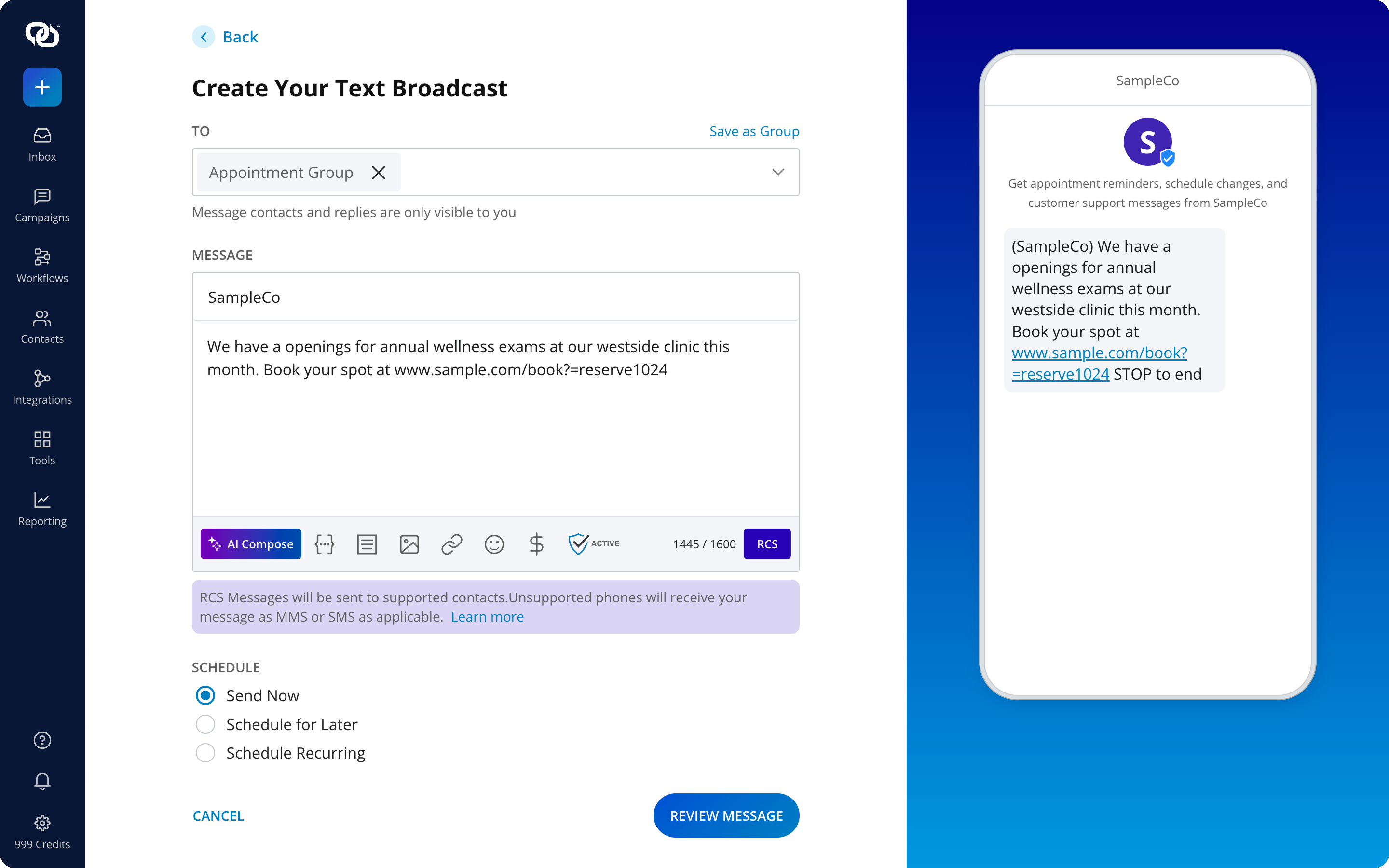
Start Getting More From Every Message You Send

The moment after you hit send shouldn't be a complete mystery. RCS read receipts give you a clearer signal of customer activity, so you can make better calls about your next campaign, follow-up, or message test.

EZ Texting brings SMS and RCS messaging into a platform built for practical business communication. Track performance, act on customer engagement data, and keep improving how you reach your audience.

Start your free trial and put more of your messaging data to work.

Frequently Asked Questions About RCS Read Receipts

Yes. Recipients can disable read receipts in their messaging settings, preventing senders from seeing when they open supported RCS messages.

They can, but availability depends on RCS support and the settings of group participants. Read status visibility may vary across the conversation.

Read receipts typically update in real time after the recipient opens the message, provided the device has an active data connection.

They may work while roaming if RCS remains connected through mobile data or Wi-Fi. Carrier support and roaming conditions can affect availability.

14-DAY FREE TRIAL
Take EZ Texting for a Spin
The easiest way to add SMS to your business. No credit card required.
1,000+ five-star reviews

Join the 230,000+ Who Have Used EZ Texting to Connect with Their Audiences.