SMS API Features for Multilingual Support: What to Look For Before You Choose a Platform
Serving customers who speak more than one language? Learn the five SMS API features that make multilingual texting work and see how real businesses already use them.


- Look for multilingual SMS features that help you send, translate, and receive messages in your customers’ preferred languages.
- You don’t always need a developer to connect texting with the software your business already uses since no-code integrations can handle many common workflows.
- EZ Texting supports multilingual characters, AI-powered translation, and replies, plus API access on every plan.
- Before choosing a platform, test how it handles your languages, customer preferences, automated messages, and incoming replies.
What an SMS API Means for a Non-Technical Team
An SMS API is a set of instructions that lets the software your business already uses communicate with your texting platform. For example, your booking system could tell the platform to send an appointment confirmation as soon as someone schedules a visit.
For multilingual messaging, that connection can also help send the right language automatically. An online store could pass along a customer's language preference and trigger a Spanish order confirmation instead of the standard English version. In other words, your staff doesn't have to translate and send each message manually.
You don't necessarily need a developer to make these connections. Businesses generally have a few options. A developer can build a direct API integration for more control, while pre-built integrations can connect supported software with less setup. No-code tools such as Zapier can also pass information between apps and trigger texts automatically.
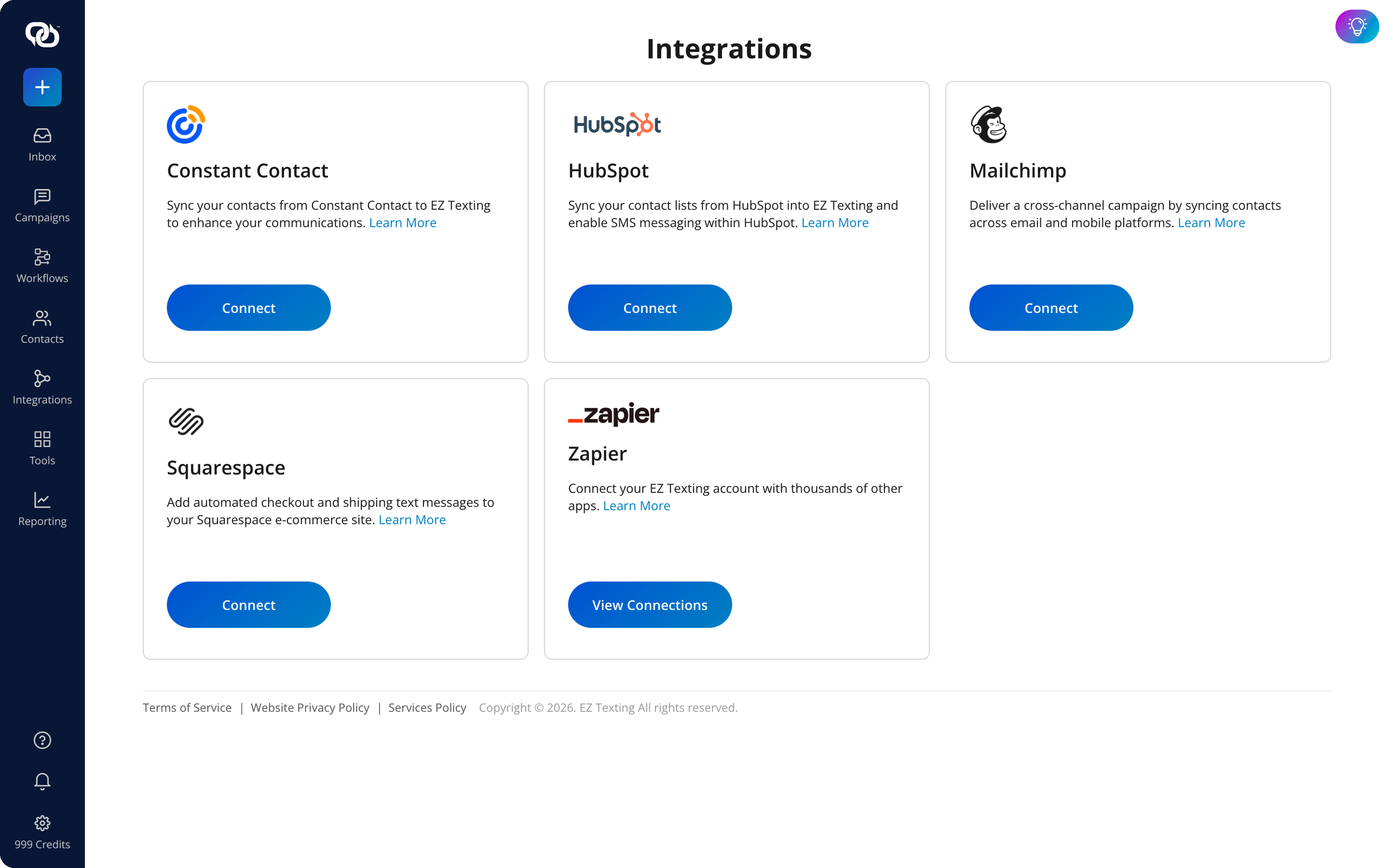
This gives you room to start with the setup that fits your resources. EZ Texting includes API access with every plan, so you can begin with a no-code connection and move to a custom integration later if your messaging needs become more complex.
Five Features That Determine How Well a Platform Handles More Than One Language
An API can pass information between your systems, but the texting platform still needs the right features to handle multilingual messages properly. These five capabilities can help you compare platforms and spot where extra work from your team might be required.
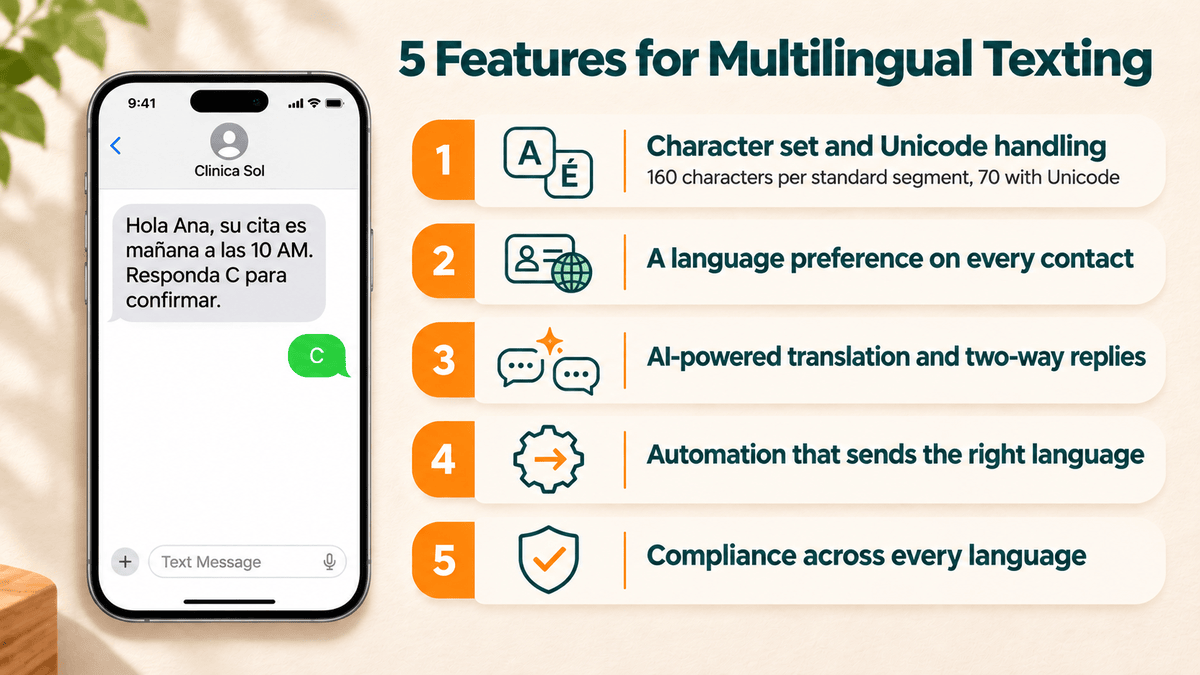
1. Character Set and Unicode Handling
Text messages use different types of encoding depending on the characters they contain. Your standard SMS encoding supports a lot of common Latin characters and allows up to 160 characters in a single message segment. Unicode supports a much wider range of characters and scripts, but a single segment is limited to 70 characters.
Messages that require Unicode may be split into additional segments, which can increase the number of credits used. The platform also needs to support those characters correctly so accents, non-Latin scripts, and other characters appear as intended when the message reaches the customer.
EZ Texting's Multilingual Texting supports six character sets for English, Spanish, French, Hebrew, Arabic, and Korean. Messages and incoming replies retain their original character set, so customers can communicate in the language they're comfortable using.
2. A Language Preference Stored on Every Contact
Sending every customer the same bilingual message may seem convenient, but it makes texts longer and can increase the number of message segments you use. It also asks every customer to sort through content in a language they don't need.
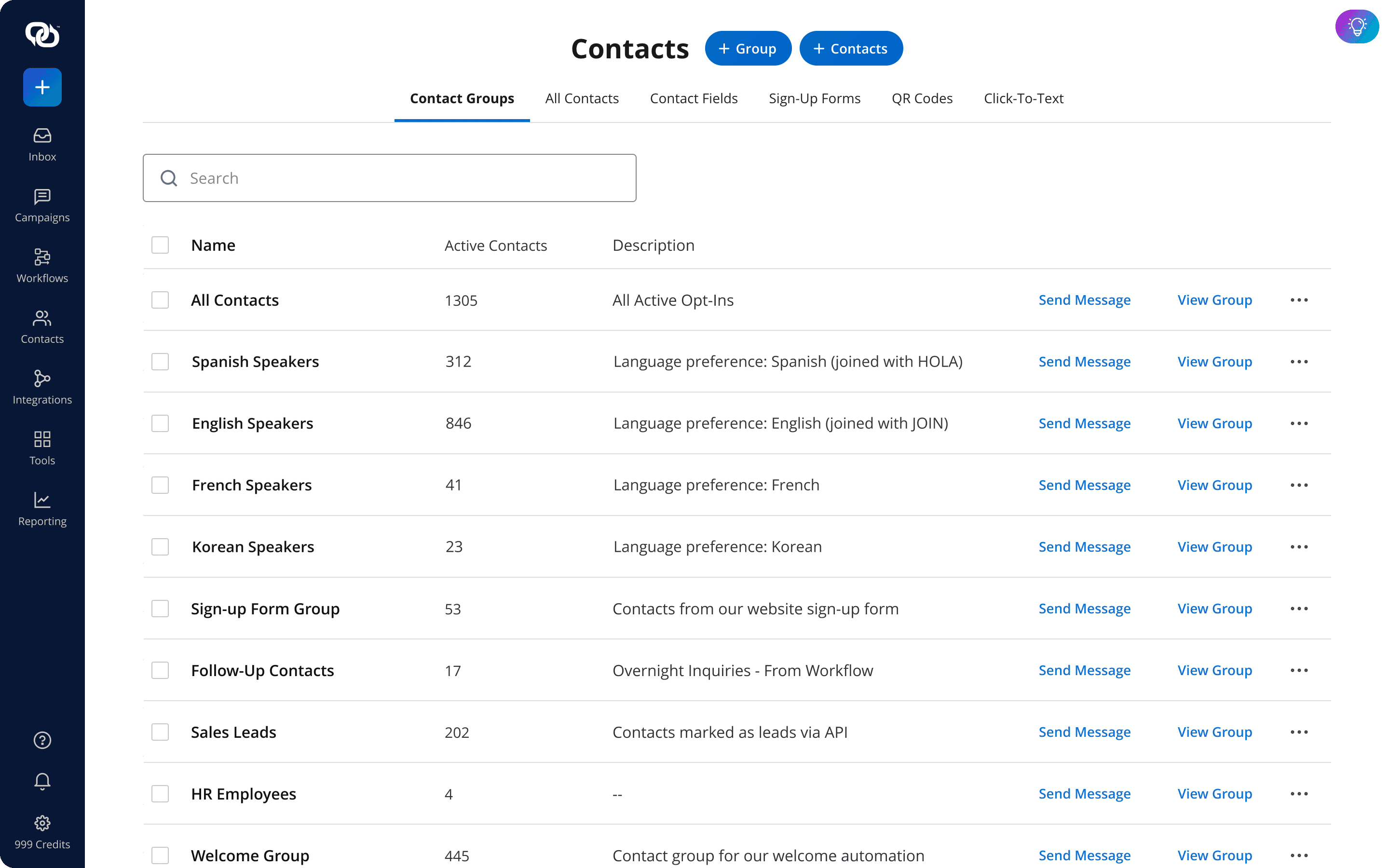
A better approach is to store each customer's preferred language in their contact record. You can collect that information when someone opts in, such as asking new subscribers to reply with a number that corresponds to their preferred language. Language-specific keywords can also place subscribers into the appropriate group as soon as they join.
Once that preference is stored, you can segment contacts by language and send each group the version written for them. The same information can also guide automated messages to give your API or workflow a clear indicator of which version to send.
3. AI-Powered Translation and Two-Way Replies
Translation is a tedious process and can quickly become a bottleneck when every message has to pass through the one person on staff who speaks another language. A promotion drafted in English may sit waiting for translation while the campaign is already underway.
Built-in translation does the heavy lifting for these scenarios automatically. With EZ Texting's AI Compose, you can draft and translate a message within the compose window, then review and edit the translated version before it goes out.
Multilingual support also needs to work when customers text back. EZ Texting's AI Reply detects the language of an incoming message and drafts its response in that same language. It can use information from your business's website and uploaded documents to shape the answer, while a person reviews the response before sending.
4. Automation That Sends the Right Language Automatically
Once you know each customer's preferred language, automation can use that information to select the right message. Take a booking confirmation, which could trigger an English or Spanish text based on the language stored in the customer's contact record.
This feature works for recurring messages, too. A service business could create approved versions of its appointment reminders in each language it commonly uses. When it's time to send one, the workflow or API checks the customer's preference and selects the matching template automatically.
This also helps multilingual customers receive time-sensitive information at the same time as everyone else, rather than waiting for someone to translate and send a second round of messages.
5. Compliance and Deliverability Across Every Language
Using another language doesn't change the basic rules of SMS marketing, including compliance rules. You still need appropriate consent before sending marketing texts, a record of that opt-in, and a clear way for subscribers to stop receiving messages.
Your opt-out process also needs to account for the languages you use. FCC rules allow consumers to revoke consent through reasonable means, which can include using another language's equivalent of common opt-out terms such as “stop” or “unsubscribe.” Your platform should help you recognize and honor these requests consistently.
Carrier requirements matter, too. A2P 10DLC registration identifies the business and messaging campaign associated with texts sent over 10-digit numbers. EZ Texting guides businesses through registration during setup so they meet carrier requirements from the beginning as they build multilingual campaigns.
See other related to Features:
See other related to Use Cases:
See other related to Topics:
